STINGAR API
The STINGAR API documentation is available through Swagger which describes each API query. The STINGAR Swagger page is available by entering your host server url with the prefix /api/v2#
You must provide your API_KEY to use the STINGAR API. This key was created when you ran the QuickStart script and is stored in the stingar.env file in STINGAR's root directory. Grab that key from the stingar.env file (It looks something like this: API_KEY=Rp9UHerhgej5V2QfCpxSrA). To use Swagger, press the [Authorize] button in the upper right side of the Swagger page and enter the key at the prompt.
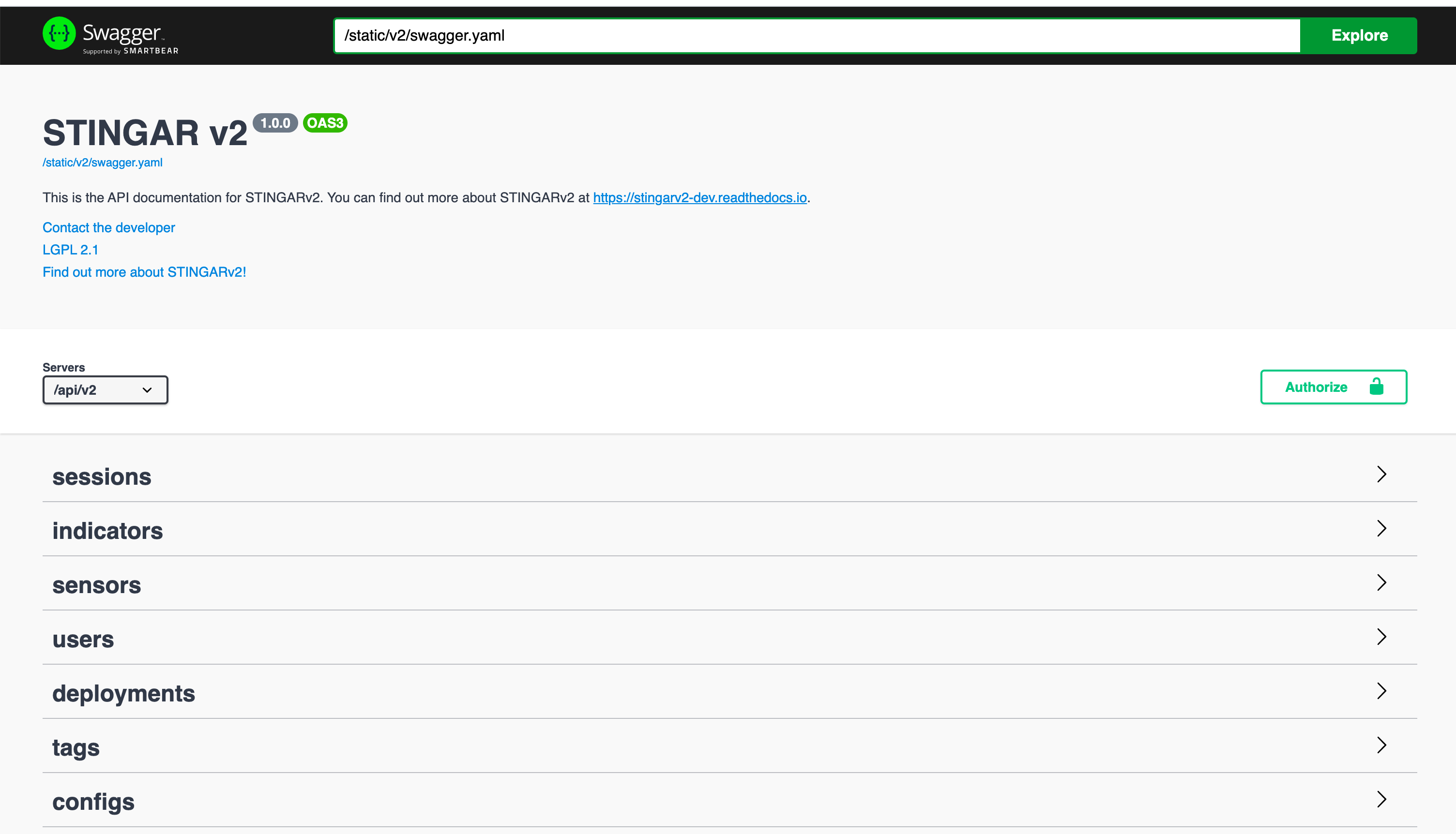
Alternatively, you can retrieve the API key from the database.
docker-compose exec stingarapi sqlite3 /srv/db/stingar.db "SELECT token FROM users WHERE username='admin'"
IDS Rules
The IDS Rules API extracts Suricata or Snort rules from honeypot signatures (HASSH and ssh_software from Cowrie, JA3/JA3S from Dionaea):
GET /api/v2/ids-rules- Returns extracted signatures as JSONGET /api/v2/ids-rules/preview- Returns Suricata or Snort rules as text for preview (same params as export; addformat=suricataorformat=snort)GET /api/v2/ids-rules/export- Returns a Suricata or Snort .rules file for download (format=suricataorformat=snort)GET /api/v2/ids-rules/feed- Returns the cached rules file for IDS devices to pull. A background job periodically regenerates both Suricata and Snort caches. Useformat=suricataorformat=snort. Returns 503 withRetry-Afterif the cache does not exist yet. Response includesCache-Control: max-age=300.GET /api/v2/ids-rules/status- Returns last generation time, signature counts (total_hassh, total_ja3, total_ja3s, total_ssh_software), and feed URLs for both formats
Query parameters (for ids-rules, preview, and export): from_date, to_date, app (cowrie/dionaea/all), rule_types (comma-separated: hassh, ja3, ja3s, ssh_software), limit (max 1000; when set, returns the most recent rules per type within the date range), format (suricata or snort; for preview, export, feed). See Swagger (/api/v2#) for full documentation.
Reading the Threat Indicators from a remote host
The /api/v2/indicators endpoint returns a list of the threat indicators captured by STINGAR for a given time window.
To read this remotely, you can use a simple curl command
% curl -X GET "https://my-stingar-server.edu/api/v2/indicators?from_date=2020-01-01&to_date=2020-03-31" -H "accept: application/json" -H "api-key: Rp9UHerhgej5V2QfCpxSrAorSomethingLinkeThis"
Note
Your STINGAR site Certificates will need to be updated for production use to allow general access to the API endpoint (our quickstart installation guide used self-signed certs using openssl). Depending upon your organizations's policies, you can provision a certificate through a CA (e.g. InCommon) or use Let'sEncrypt
However, if you wish to continue running with self-signed certs the curl -k insecure option allows you to still GET the url response from your STINGAR server
% curl -k -X GET "https://my-stingar-server.edu/api/v2/indicators?from_date=2020-01-01&to_date=2020-07-31" -H "accept: application/json" -H "api-key: Rp9UHerhgej5V2QfCpxSrAorSomethingLinkeThis"
Some useful links to learn more about Curl options and creating TLS Signed Certificates